
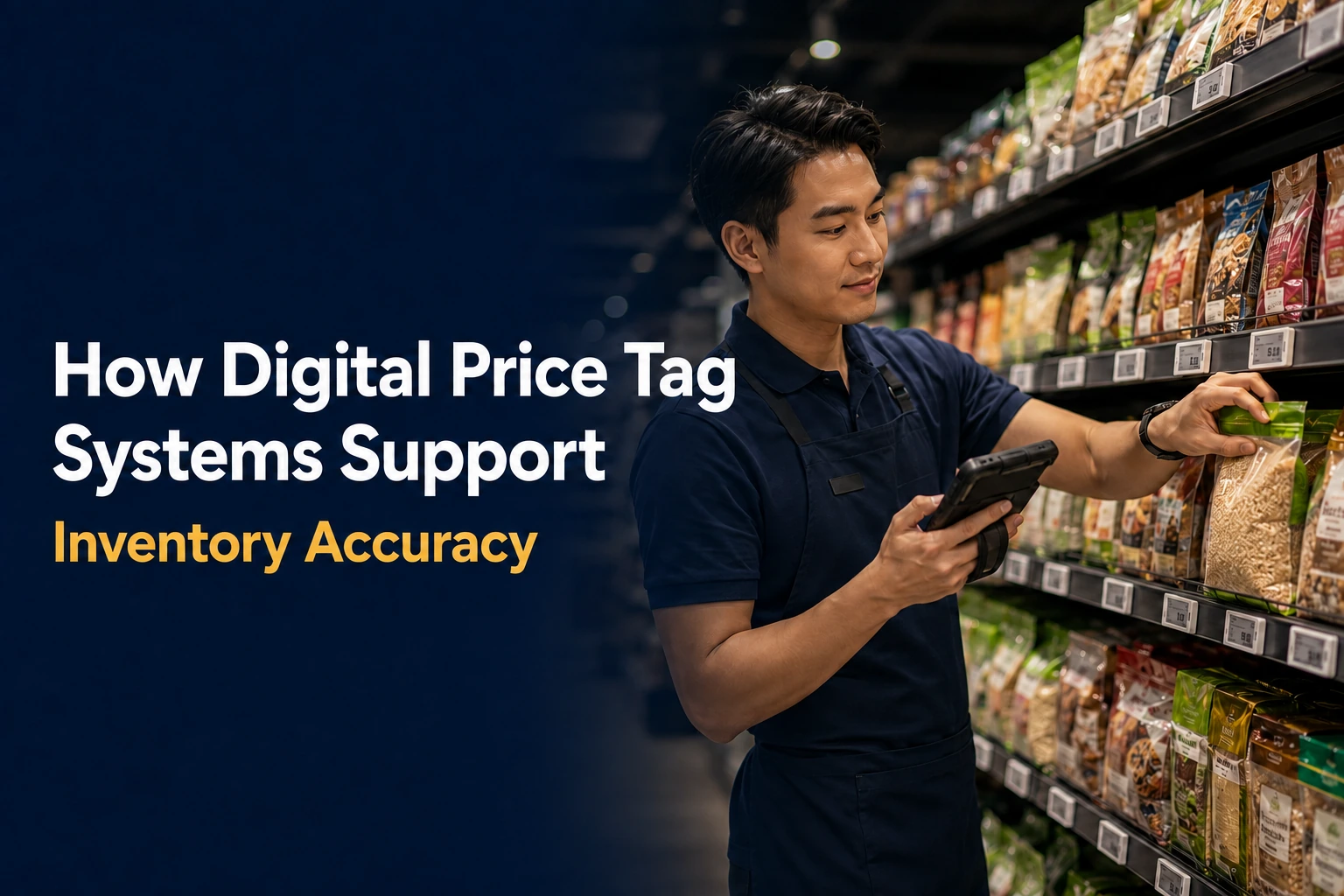
Digital price tag systems, also known as electronic shelf label (ESL) systems, give associates trusted stock and product-location data at the shelf. Staff-facing label pages can display stock-on-hand information from the retailer’s ERP, WMS, POS, or inventory platform. Shelf-edge LEDs guide replenishment and picking to the mapped SKU location. Inventory quantities remain in the retailer’s approved backend systems.
At a Glance: The Role of ESLs Versus Backend Systems
| Workflow | What the ESL Layer Supports | What Remains a Backend Responsibility |
|---|---|---|
| Replenishment | Displays staff data and flashes the mapped shelf location. | Stock quantity, task logic, inventory adjustments, and replenishment rules. |
| Put-to-light | Visually identifies where the product should be placed. | SKU master data, planogram/location mapping, and task creation. |
| Click-and-collect | Guides pickers to the mapped item/location and confirms the shelf visually. | Order management, substitution logic, and inventory availability decisions. |
| Planogram execution | Helps staff validate the label, SKU, and physical shelf position. | Planogram governance, master data, and approved location changes. |
Why Inventory Accuracy Becomes a Peak-Season Risk in September
During peak season, misplaced products and missed replenishment tasks affect more orders and shoppers. A shelf can be empty while units sit in the back room. A picker can walk past available inventory because the product was shelved in the wrong bay or position. A planogram reset can leave the system location and physical location out of sync. The system can show the correct quantity even when associates are looking in the wrong place or the shelf has not been replenished.
September gives retailers time to measure these problems before holiday volume makes them harder to diagnose. Watch for:
- items that show stock on hand but are not visible where the system says they should be;
- replenishment tasks that require repeated aisle searches or backtracking;
- avoidable “not found” exceptions during online-order picking;
- seasonal or promotional resets where the label, facing, and system location no longer match; and
- repeated inventory discrepancies that are actually location or process problems rather than count problems.
What Digital Price Tag Systems Can and Cannot Fix
Digital price tag systems work best when the ESL layer and backend systems have clearly defined roles. Inventory accuracy still depends on reliable source data and sound retail processes. The ESL layer brings approved information to the shelf and guides store tasks.
| Digital Price Tag Systems Can Support | Digital Price Tag Systems Cannot Replace |
|---|---|
| Shelf-level visibility of backend stock and replenishment information. | The retailer’s ERP, WMS, POS, or approved inventory platform as the inventory system of record. |
| LED guidance to the shelf location mapped to a task. | Independent verification that the physical stock count is correct. |
| Faster product-location validation and exception handling. | Correction of bad SKU-to-location mapping without a proper master-data process. |
| Short-term confirmation, typically retained for days, of changes received from the backend. | Detailed approval history showing who approved a change and when. |
In an integrated ESL deployment, detailed approval history stays in the retailer’s ERP. The ESL platform receives approved data from the ERP or another authorized backend system and sends it to the shelf edge. The data must reach the correct label, and the task must point to the correct shelf location. For more on connecting the ESL layer to existing retail systems, explore our partners and integrations.
Using Staff-Facing Back Pages for Stock-on-Hand and Replenishment Flags
Customer-facing shelf space is limited, but MarginMate electronic shelf labels support multiple display pages. Staff-facing back pages can present operational data separately from the shopper-facing price and product information.
Useful staff-facing information can include:
- stock quantity on hand supplied by the retailer’s backend;
- replenishment flags or other operational prompts;
- internal product identifiers; and
- other shelf-level data configured for store associates rather than shoppers.
Inventory data comes from the retailer’s backend. The label displays it where associates need to make a decision. If a shelf looks low and the backend shows available stock, the associate knows to check the back room or verify the count. If the data does not match reality, the discrepancy still needs to be corrected through the retailer’s normal inventory process.
Associates can also use these workflows on mobile devices. Pricer supports handheld workflows in BYOD and mixed-device environments. The mobile device shows the task, and the shelf label identifies the correct location.
Stock Replenishment With Shelf-Edge LED Guidance
Associates can lose time searching for the correct shelf after receiving a replenishment task. Shelf-edge LEDs direct them to the mapped location.
- A replenishment or store-operations system creates the task and sends the relevant SKU/location information to the associate’s mobile workflow.
- The ESL linked to that shelf position flashes, providing a visible target in the aisle.
- The associate reaches the correct location, replenishes the shelf, and confirms the task through the normal store workflow.
- The light stops, and the associate moves to the next task, with less searching and backtracking between locations.
In October 2025, Pricer’s SOK case study documented 415 stores equipped with approximately six million ESLs. SOK uses replenish-by-light for shelf restocking. Pricer’s replenishment workflow lets an associate scan a product, view its location on a store map, and trigger the mapped label’s flash. Associates then follow the LED to the correct shelf position. Inventory quantities remain in the retailer’s backend system.
Retail Put-to-Light Workflows for Faster Aisle Execution
Retail put-to-light uses shelf-edge LEDs to guide product placement. The system triggers the label linked to the destination SKU, and the flashing LED shows the associate exactly where to place the product.
Put-to-light is especially useful for:
- high-volume replenishment where seconds per task add up;
- seasonal resets and promotional transitions;
- departments with many similar-looking packages; and
- temporary or newly trained staff who may not know the store layout well.
Put-to-light depends on an accurate product-to-label association. Every product active on the retail floor needs a current ESL, and its placement should comply with the current planogram. If a product and its linked label move together, put-to-light can continue to guide staff to the correct shelf position. For a pilot, choose one high-velocity category and track wrong destinations, missing label associations, locations not found, and source-data mismatches. The results will show whether the bottleneck is the ESL workflow, integration, master data, or inventory process.
|
MarginMate Implementation Principle Start with an accurate SKU-to-label association, current product-location mapping, and a named owner for each exception type. Shelf guidance can expose errors in these controls. Corrections still need to be made in the source data or store process. |
Retail Click-and-Collect Picking With Fewer Location Errors
Click-and-collect pickers lose time when products are mapped or shelved in the wrong location. If a picker cannot find a product quickly, substitutions or “not found” outcomes can rise even when inventory is physically present somewhere in the store.
- The picker receives the online order on a PDA, smartphone, or other approved handheld workflow device.
- The picking application directs the associate toward the mapped product location and can optimize the route through the store.
- The relevant shelf label flashes as a visual confirmation when the picker reaches the location.
- After the item is picked and scanned, the flash stops and the workflow advances to the next item.
Pricer’s click-and-collect workflow combines product positioning, route planning, and flashing electronic shelf labels. SOK, a Pricer customer, uses pick-by-light to guide associates during order fulfillment.
For shoppers who value convenience, pickup speed and basket completion matter. Supermarket News reported that 43% of respondents would pay a delivery fee to avoid a 45-minute round trip, while 72% would visit a second store to save $25 to $30. ESLs make products easier for pickers to locate. Substitution decisions remain in the order-management system, and availability depends on the stock physically present in the store.
Planogram Execution and Product-Location Accuracy
Inventory counts are useful only when associates also know where each SKU belongs. Knowing that five units exist somewhere in the store is not enough for a replenishment associate or online-order picker. They also need a reliable answer to one question: “Where is this SKU supposed to be right now?”
Planogram resets are a common source of location errors. Seasonal transitions, promotions, and category resets may move products across bays or fixtures. If the physical shelf changes but the location mapping does not, pickers search the wrong section, and replenishment instructions point to stale positions.
A practical planogram validation checklist should confirm:
- the SKU-to-label association;
- aisle, bay, fixture, or zone assignment;
- the intended facing or shelf position;
- any store map or routing data used by picking applications; and
- that the physical product, label, and system location all agree after the reset.
Product-location accuracy also affects the shopper experience. When layouts or assortments change, current SKU-to-location mapping helps associates answer product-location questions and reduces unnecessary searching. See our overview of electronic shelf label benefits for related store workflows.
KPIs to Measure Before and After Rollout
Set a baseline before rollout, then compare the same operational measures after go-live. Avoid measuring only label uptime or price-update speed if the business case also includes replenishment, fulfillment, and location accuracy.
| KPI | What to Measure | Why It Matters |
|---|---|---|
| Inventory discrepancy rate | Variance between system quantity and verified physical count. | Separates quantity discrepancies from shelf location and execution problems that may produce similar store-level symptoms. |
| Shelf out-of-stock duration | Time a shelf remains empty while stock is available elsewhere in the store. | Measures shelf recovery rather than system inventory alone. |
| Replenishment task cycle time | Time from task creation to completed shelf refill. | Tests whether LED guidance reduces search and backtracking. |
| Click-and-collect pick time | Average time per item or order. | Measures fulfillment speed. |
| Pick-location error rate | Items searched for at the wrong mapped location. | Tests product-location accuracy. |
| Substitution / not-found rate | Order lines substituted or marked unavailable. | Shows whether availability or location problems affect fulfillment. |
| Planogram compliance | Audited SKUs in the intended facing/location. | Measures reset and merchandising execution. |
| Label-to-SKU association accuracy | Labels correctly linked to the physical SKU. | Validates the foundation for flash, routing, and staff-facing data. |
Track results by store and department where possible. Classify each exception as an ESL workflow, integration, master-data, or inventory-system issue.
Before peak volume arrives, retailers should:
- baseline the KPIs above before changing the workflow;
- pilot one or two high-value use cases in a measurable category;
- validate product-to-label and product-to-location mapping before relying on flash guidance;
- confirm that mobile/PDA workflows match how associates actually work on the floor; and
- define who owns each exception type so bad source data is not mistaken for an ESL problem.
Common Questions About Digital Price Tag Systems and Inventory Accuracy
Can Digital Price Tags Track Inventory on Their Own?
No. Digital price tags display stock information from a connected backend and guide store tasks. They do not count physical inventory. Inventory quantities and adjustment rules remain in the retailer’s ERP, WMS, POS, or inventory platform.
Do Electronic Shelf Labels Replace an ERP or WMS?
No. The ERP remains the system of record for pricing approvals and detailed audit history. Inventory quantities and business rules stay in the retailer’s ERP, WMS, POS, or inventory platform. The ESL platform displays approved data and task signals at the shelf edge.
How Can ESL LEDs Improve Replenishment and Click-and-Collect?
An LED can flash on the label linked to the target SKU, helping the associate identify the correct shelf position faster. For replenishment, that can reduce searching and backtracking. For click-and-collect, it provides visual confirmation of the mapped pick location.
Turn Trusted Inventory Data Into Better Shelf Execution
Digital price tag systems bring trusted stock and location data to the shelf. Staff-facing pages show associates the information they need, and shelf-edge LEDs guide replenishment, retail put-to-light, planogram execution, and click-and-collect tasks to the mapped SKU location. The retailer’s ERP, WMS, POS, or inventory platform remains the system of record. At the shelf, associates use the ESL layer to spend less time searching and make fewer location errors. September gives retailers time to baseline these KPIs and test priority workflows before Q4 volume increases.
Explore our electronic shelf label case studies, or contact us to discuss how an integrated ESL workflow could support your store environment.